
How to Run Split Tests as an Affiliate Marketer

Today we have an interesting article about split testing. For affiliate marketers, running tests and analyzing results is essential — and most importantly, understanding which landing page, design, or creative drives the most conversions and profit. This article is brought to you in partnership with Shakes.pro.
What Is Split Testing?
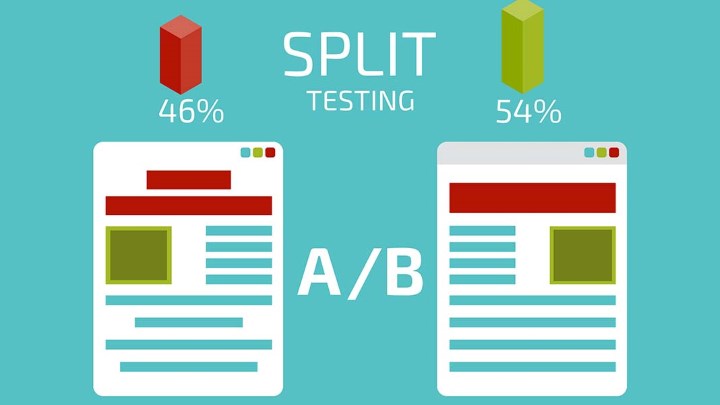
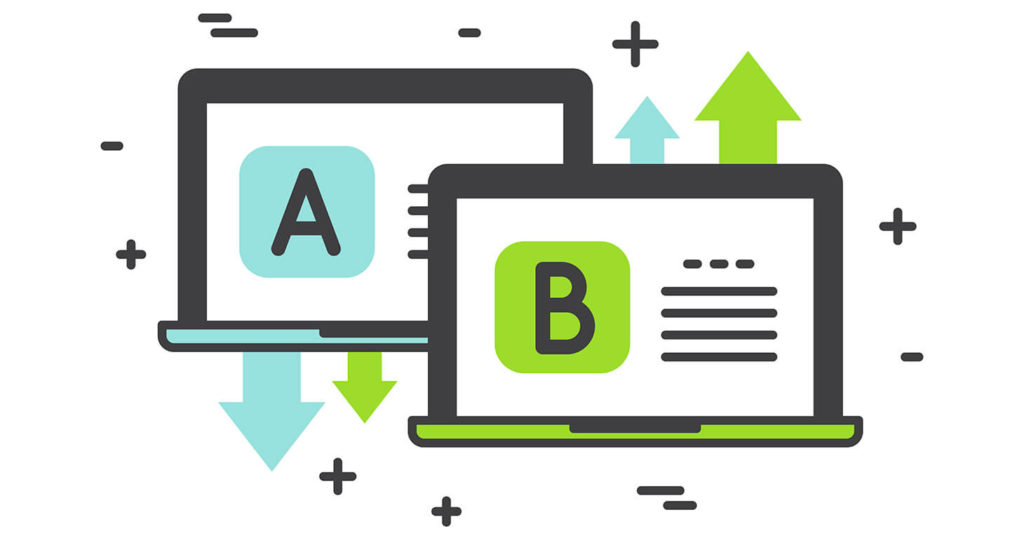
A/B or split testing is a marketing research method where a control group of elements is compared against one or more test groups in which one or more variables have been changed, in order to determine which changes improve a target metric. A classic example is testing how color schemes, element placement, and interface sizing affect a website’s conversion rate. In simpler terms, split testing means comparing multiple landing pages or pages on an equal amount of traffic to see which version performs better.
Running A/B Tests with a Tracker:
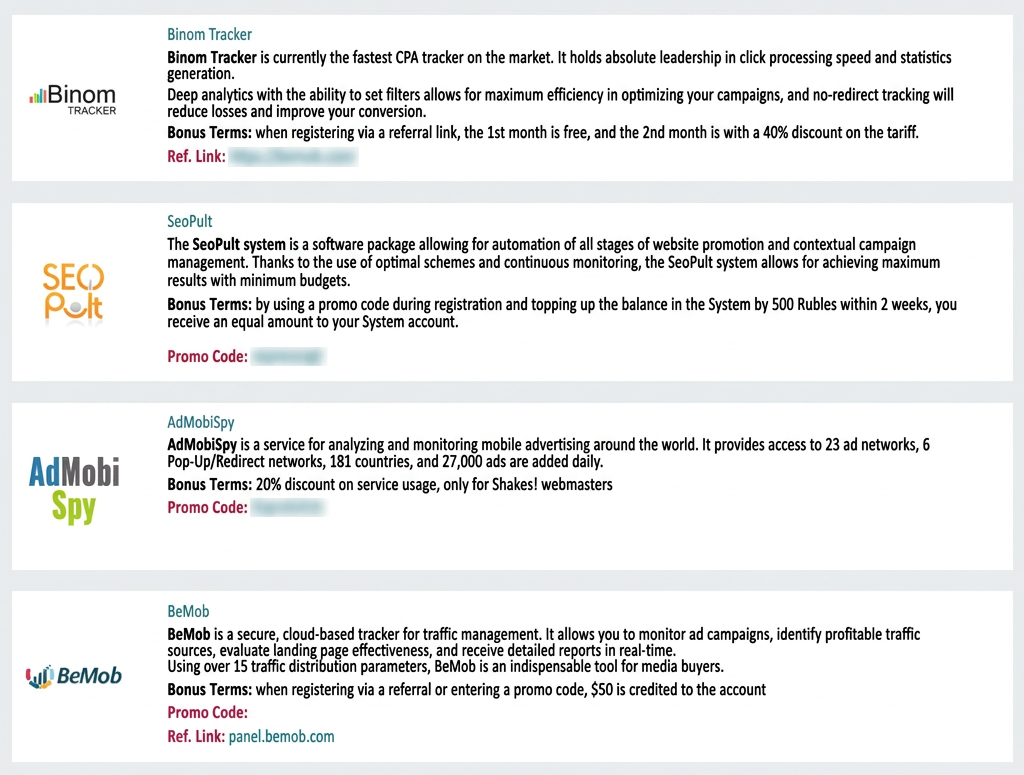
This approach works great for affiliate marketers. You’ll need to pick a tracker — almost all trackers support split testing. A tracker is a paid tool, and while most offer trial access, it’s usually limited in features and duration. That said, you can always take advantage of the Shakes.pro affiliate program, which gives partners bonuses from trackers, ad networks, and other services. Working with Shakes.pro can get you a solid discount on a tracker or even free days. Once you have your tracker, don’t hesitate to ask their support team for help — they’ll walk you through setup and show you how to configure split tests.
Running Split Tests with
Google Analytics:
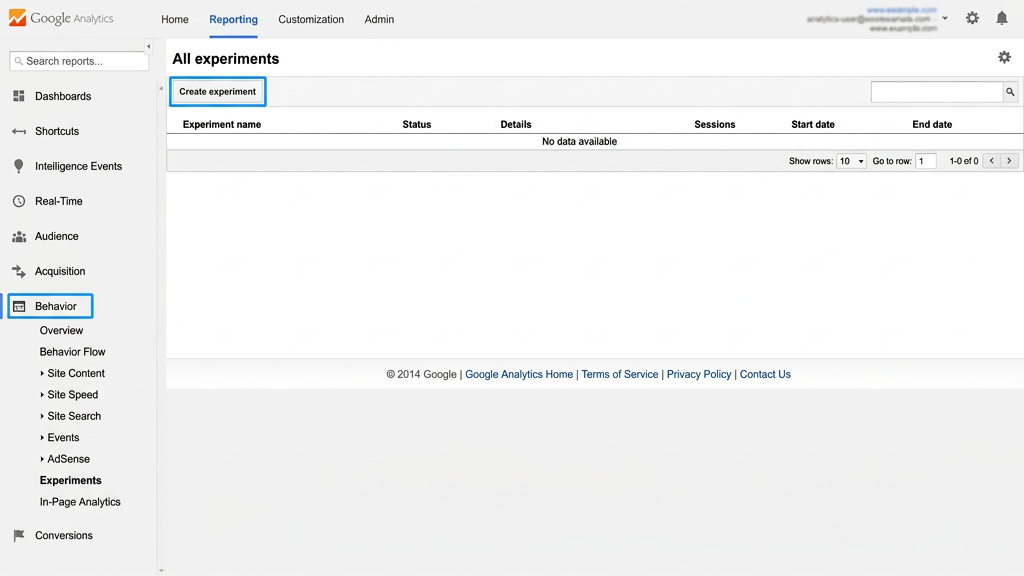
This method is ideal if you have your own website. Google Analytics has a built-in tool for running experiments — just go to “Behavior” -> “Experiments”. It’s just 4 steps:
- Set a name for your experiment, choose a tracking goal (such as bounce rate), and set the traffic percentage.
- Enter the URLs of two or more pages you want to include in the test.
- Copy the generated code and add it to your website.
- Verify that everything is working correctly.
Split Testing Ad Creatives on Facebook:
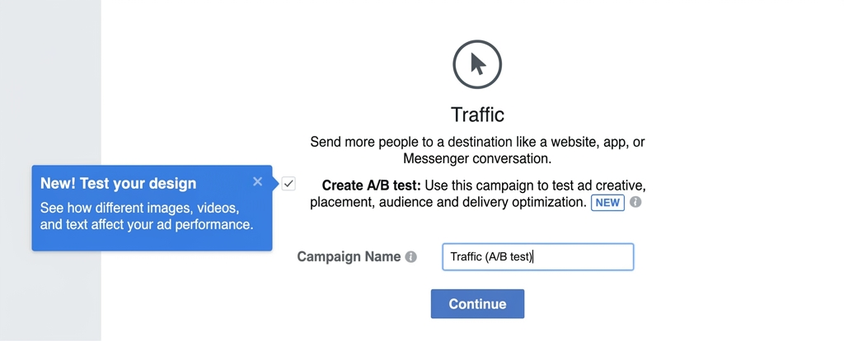
Many people don’t know this, but Facebook has a built-in split testing feature. During a split test, Facebook takes one audience and divides it into equal segments. So if you have 4 different creatives, each one will be shown to different people from the same pool — giving you clean, fair data to identify your winning creatives. Here’s how to set it up:
- Go to your Ads Manager account and create a new campaign.
- Select a goal for your campaign. For example, if you want more conversions, choose Conversions. Note that split tests are only available with the Traffic, App Installs, Lead Generation, and Conversions objectives.
- Enter your campaign name and click the “Create Split Test” checkbox, then hit “Continue”.
- Choose the variables you want to test. Facebook gives you three options: Delivery Optimization, Audience, and Placement.
- To finish setting up your split test, scroll down to the “Split Test Budget and Schedule” section. Here you can enter your testing budget and choose when you want your ads to run.
Conclusion:
Proper split testing is the foundation of a successful campaign and finding a profitable combo! Always test everything — it’s the only way to get the best results. We hope this article was helpful, and we’ll keep publishing useful content for you!






Discussion
0