
How to Set Up Your Own Private Mobile Proxies

Today we’re sharing a very useful article — a step-by-step guide on how to set up your own private mobile proxies. Running a mobile proxy farm from home is now easier than ever, and they can be used for your own purposes or sold. These proxies work great for Facebook, Google Ads, TikTok, and other traffic sources. Mobile proxies are considered one of the best proxy types available. In this article, we’ll walk you through how to set them up — and more.
What You Need to Set Up Mobile Proxies:
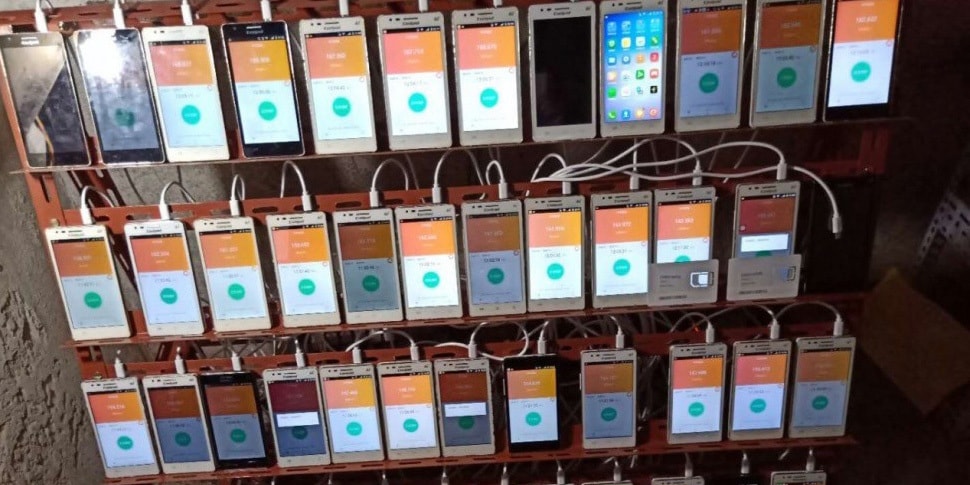
- An Android smartphone.
- Any SIM card with a mobile data plan.
- An iproxy.online account with the “Baby” or “BigDaddy” plan. You can also use the free 2-day trial. The plan only affects proxy speed.
Is It Better to Set Up Your Own Mobile Proxies or Rent Ready-Made Ones? Let’s Compare!
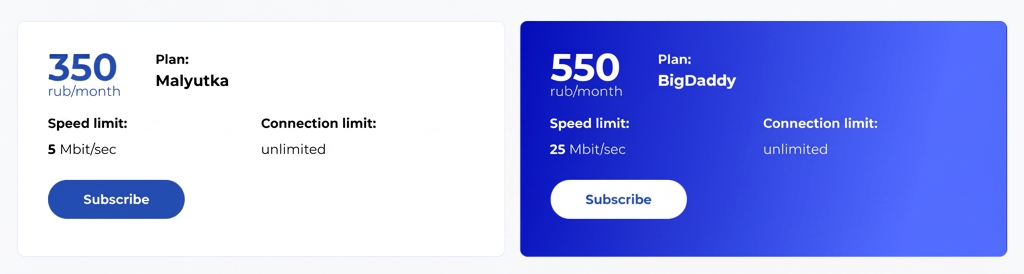
All you need to pay for is your iproxy.online account and your mobile data plan. You can even use your own personal phone. This approach is far cheaper than buying mobile proxies. On the market, mobile proxies cost around $38/month — with this method you’ll pay around $11. And most importantly, you’ll know the proxies are yours alone, unlike purchased proxies which are often sold to multiple users at once.
Step-by-Step Guide:
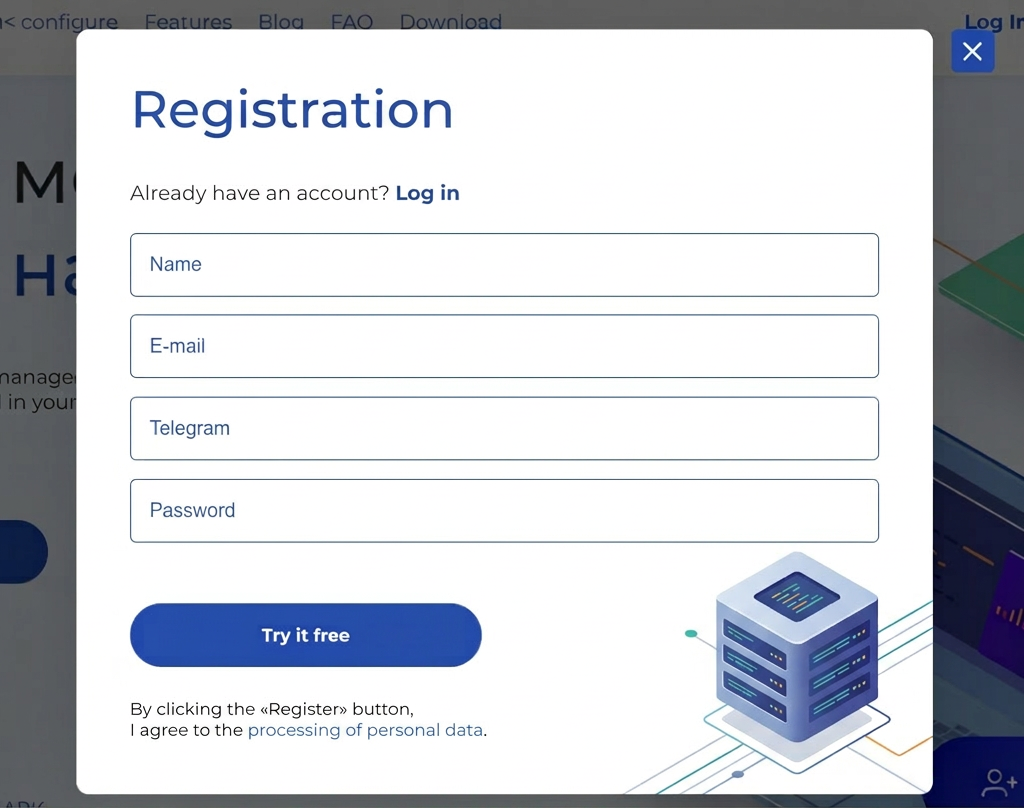
Step 1. Register on iproxy.online. Fill out the registration form and create an account. The first two days are completely free. After that, you’ll need to top up your account and pay for your plan. There’s currently a $1.50 bonus on your first top-up if you write to iproxy.online support.
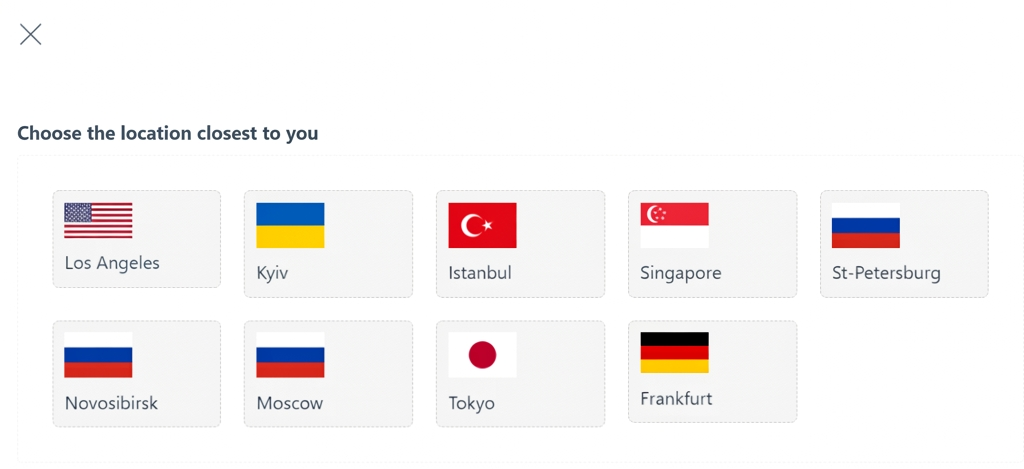
Step 2. Create a connection. Right after registering, you’ll see an “Add connection” button — click it and select the location closest to you. For example, if you’re in Kyiv, choose Kyiv. Your chosen location affects the proxy’s ping. Enter a name and description for the connection — these are visible only to you.
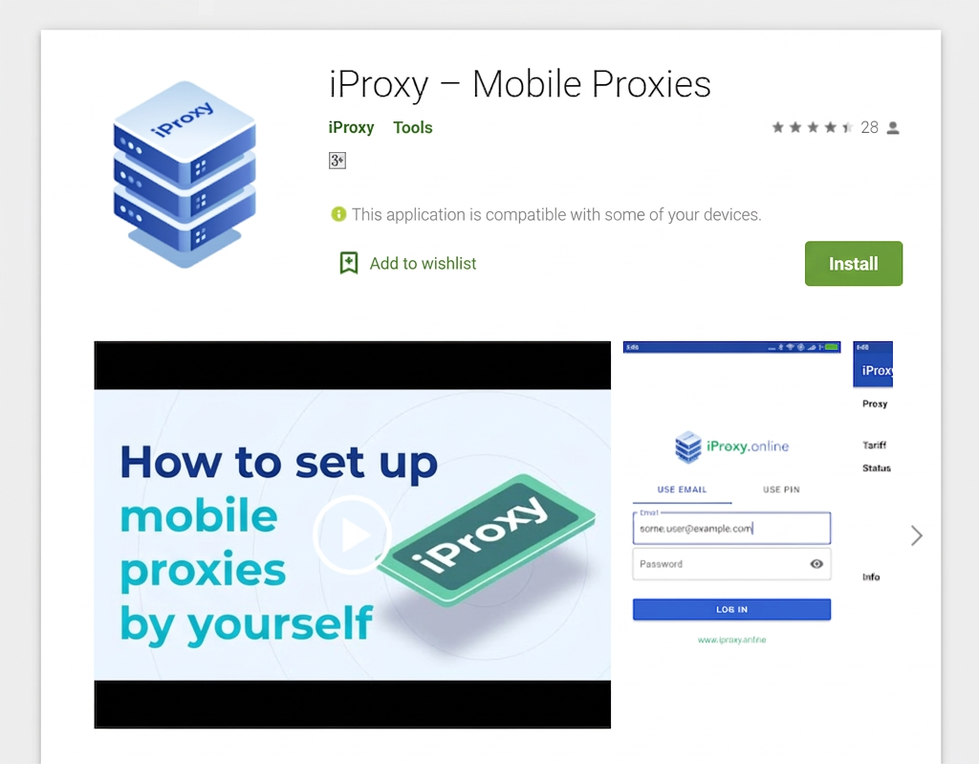
Step 3. Install the iproxy.online app on your phone. Install the app on your Android phone with mobile data. Just search “iproxy” in the Google Play Store and tap Install. Then log into your account.
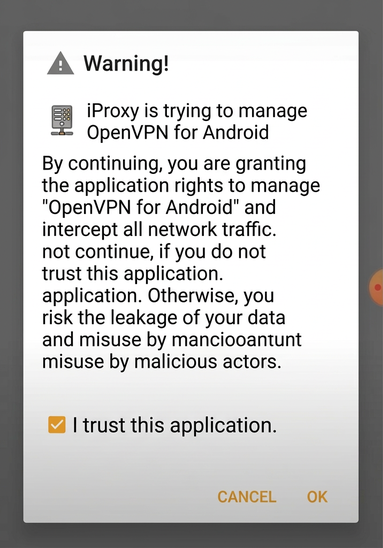
Step 4. Configure the iproxy app. After logging in, just tap “Next” at each step. Check “I trust this app” and tap OK. Your proxy is ready — you’ll see the notification “iproxy is running” in the app.
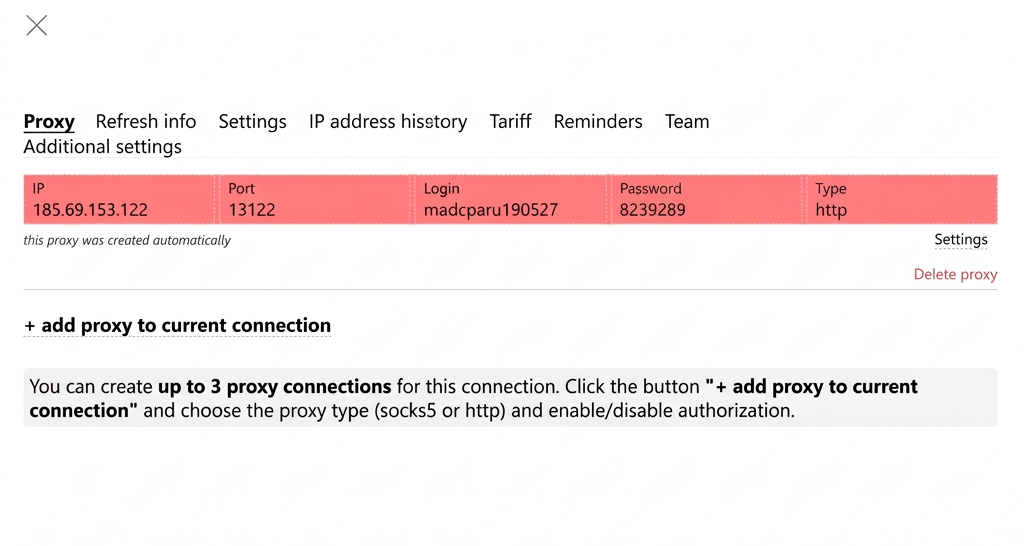
Step 5. Use and enjoy your proxies. You can view your proxy connection details in either your dashboard or the app. You can manage your mobile proxies and change your IP address via the app, the web dashboard on any device, or the Telegram bot.
For remote management of your mobile proxies, we recommend rooting your phone — instructions here: iproxy.online/faq/kak-pravilno-polzovatsya-proksi. That said, rooting is not required — remote IP rotation works fine on non-rooted devices too. You can also install MacroDroid; reach out to iproxy support on Telegram and they’ll help with the setup.
Verdict:
Setting up mobile proxies is simple. You can do it in under 10 minutes with no technical knowledge required. These proxies work for almost any use case — they’re better and cheaper than USB modems. You can also use a single phone for multiple accounts. The key is not to log into multiple accounts at the same time, and to change your IP address between sessions. Buying ready-made proxies is becoming less and less worthwhile — setting up your own is simply easier and cheaper.
You can also build an entire mobile proxy farm with multiple phones. The service offers volume discounts. And with the promo code MADCPA you’ll get 15% off the BigDaddy plan on your first purchase. The service has also put together a list of recommended phones with the best price-to-quality ratio for setting up mobile proxies, and the support team can point you to SIM card vendors with mobile data plans 2–3x cheaper than market rates.






Discussion
0