
Gambling Push Traffic Marathon. Part 4

We’re continuing our gambling push traffic marathon. We were busy with the launch of Megaspy, which slowed things down a bit — but now that it’s up and running, we can pick up where we left off. Today we’re launching our campaign and putting together creatives.
Launching a Campaign in Pushads.biz
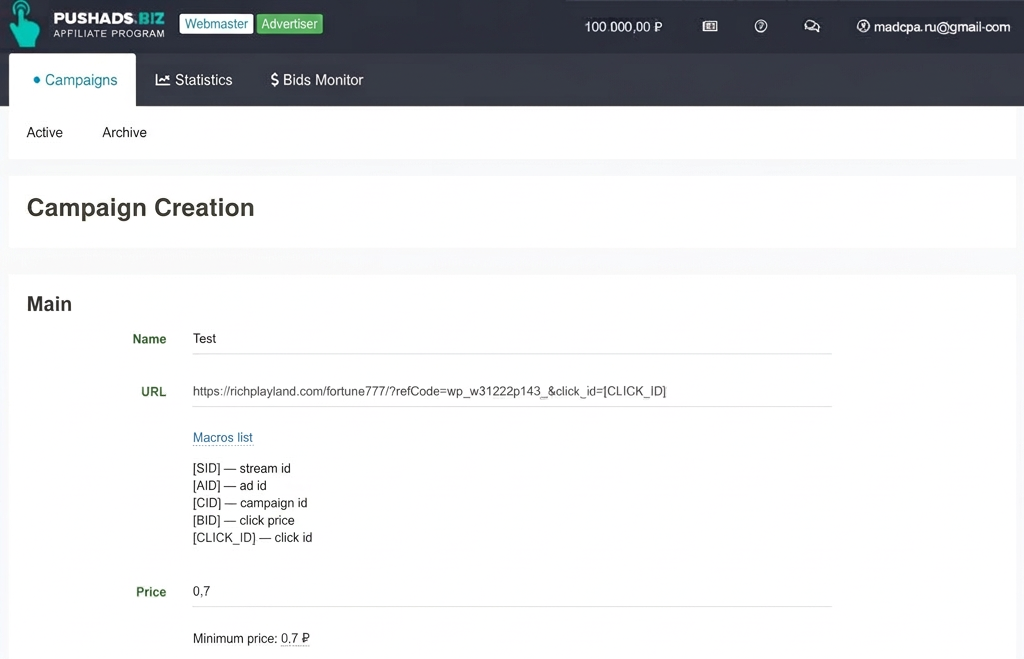
Log into your Pushads.biz account and click “Create”. Make sure your account is set to advertiser mode — you can check and change this in the top left corner. Enter your campaign name and grab your link from Welcome.Partners. To track performance, you can append macros to the link — we added [CLICK_ID] for the click ID. Next, set a CPC bid. For now we’re entering the minimum, but once the campaign passes moderation we’ll update it to the right rate. You can check current bid rates by country and device in the “Bid Monitor” section.
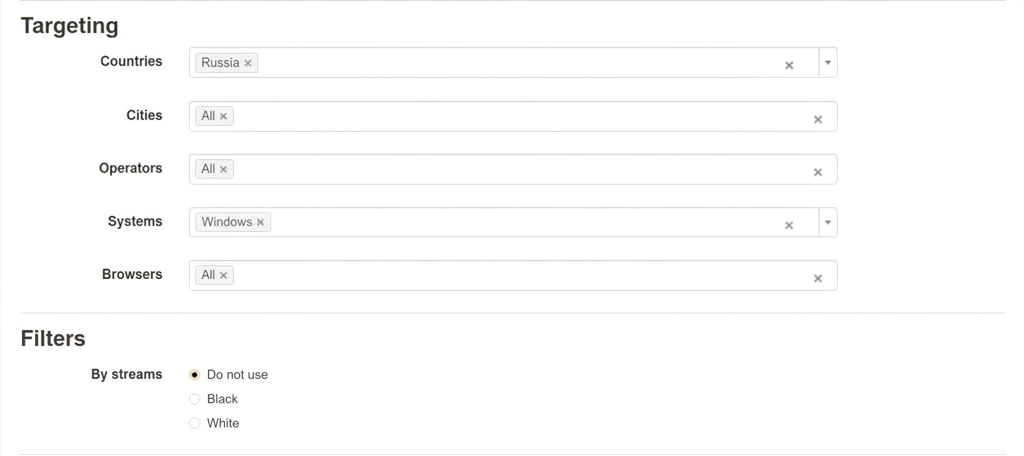
Now for targeting settings — we’re targeting Russia on desktop, and may add mobile later. No black or white lists for now since we don’t have any data yet.
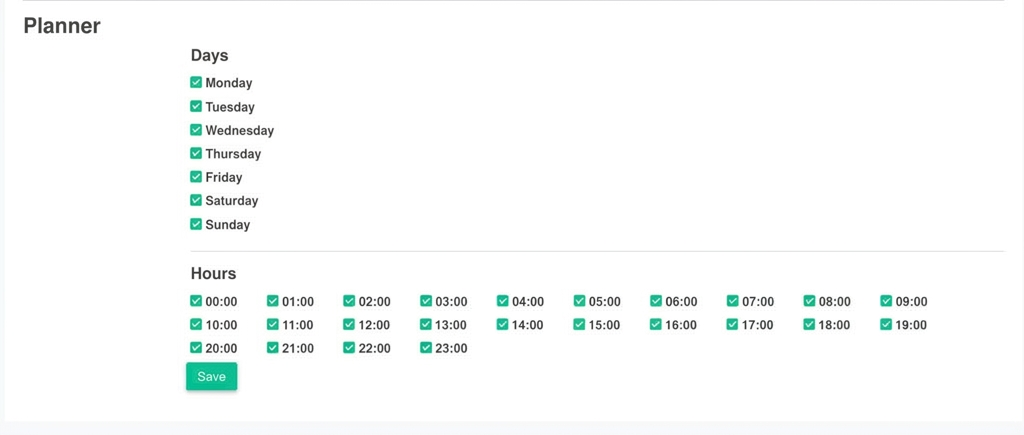
We’re not using a schedule either — our offer runs 24/7. Click “Save” and move on to uploading ads.
Creating the Creatives:
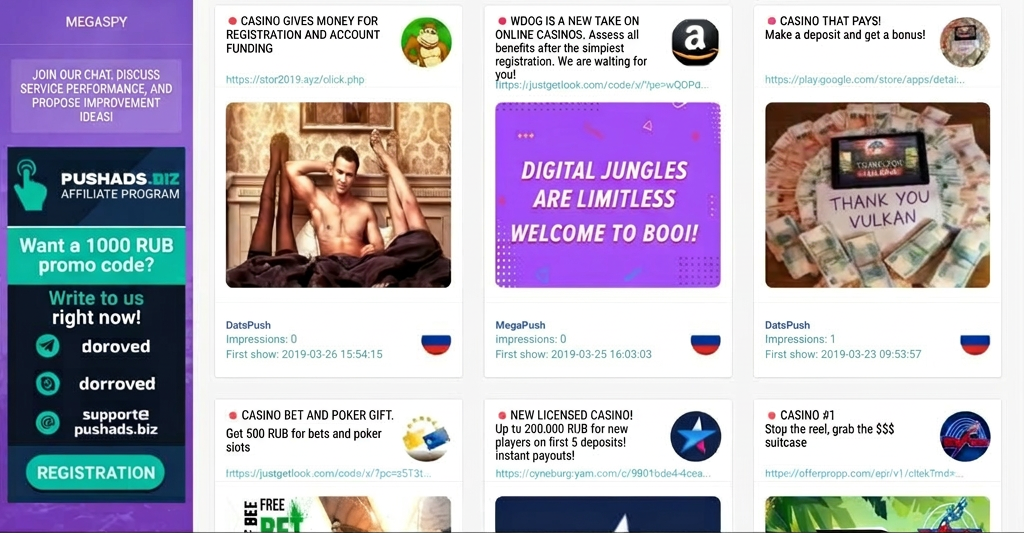
We already covered how to make and find creatives in our earlier article — madcpa.ru/gde-najti-i-kak-sozdat-kreativy/. For this campaign, we used our free tool Megaspy to search by keyword “Casino” filtered by Russia. We browsed the results, pulled some images we liked, and wrote our own copy. To add an ad, go to your campaign list and click “Create Ad” next to your campaign. Add a headline, description, and upload an icon and a banner image, then click “Save” and wait for moderation.
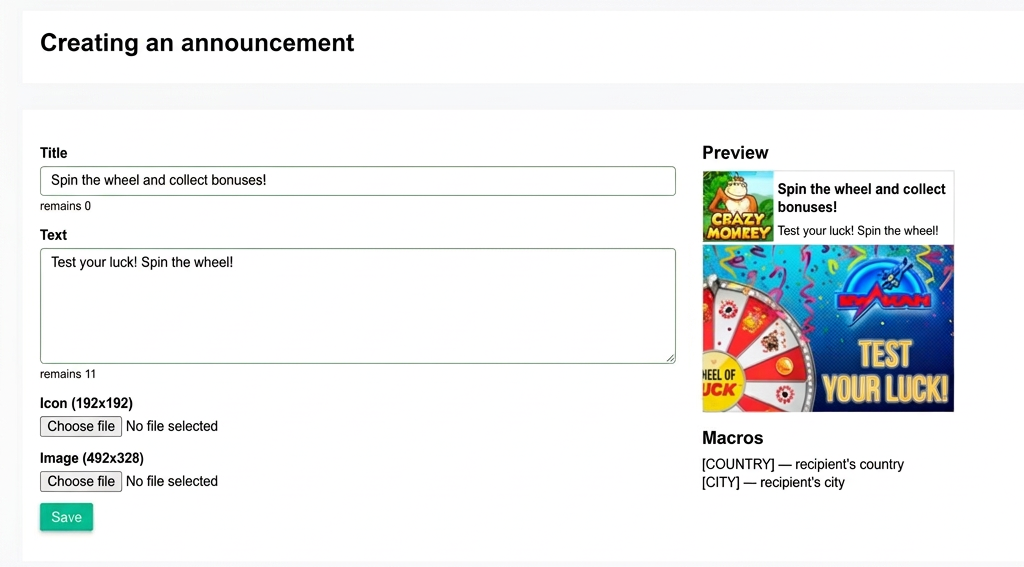
Once the ad is approved, we’ll go live and start monitoring results. We’ll be adding more creatives as we run. In the next marathon installment, we’ll share the results and test additional creatives.






Discussion
0