
Soax.com Proxy Service Review
Today we’re covering Soax.com, a service that lets you purchase residential and mobile proxies. These proxies are an excellent fit for running ad campaigns and warming up accounts on Facebook and Google, as well as a wide range of other tasks. Let’s break down the service in detail, highlight all its advantages, check out the pricing, and wrap up with our verdict.
Features and Advantages:
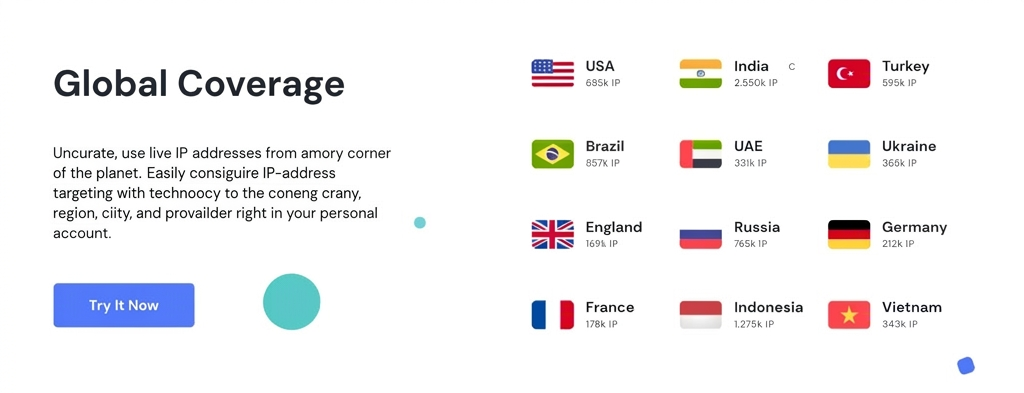
- Detailed Geo-targeting. Configure IP geo-targeting down to country, region, city, and ISP directly from your dashboard.
- Massive Proxy Pool. 8.5 million IPv4 addresses across 180+ countries worldwide.
- High Proxy Quality. Proxies suitable for any task, including the most demanding ones. A clean, regularly updated pool of mobile and residential proxies exclusively for your use.
- Dashboard. Soax.com has a very user-friendly control panel. You can easily manage, configure, and group proxies, view traffic usage statistics, and download proxy lists in TXT, CSV, and HTML formats.
- Automatic IP Rotation. All proxies feature automatic IP rotation per port. Rotation settings can be managed from the dashboard.
- Anonymity. Your real IP address is hidden from the outside world.
- Top-Tier Support. The Soax.com support team genuinely resolves all proxy-related issues and finds individual solutions for each client — for example, bulk buyers may qualify for discounts. All new clients also get a free 1-hour proxy trial by contacting support.
Pricing:
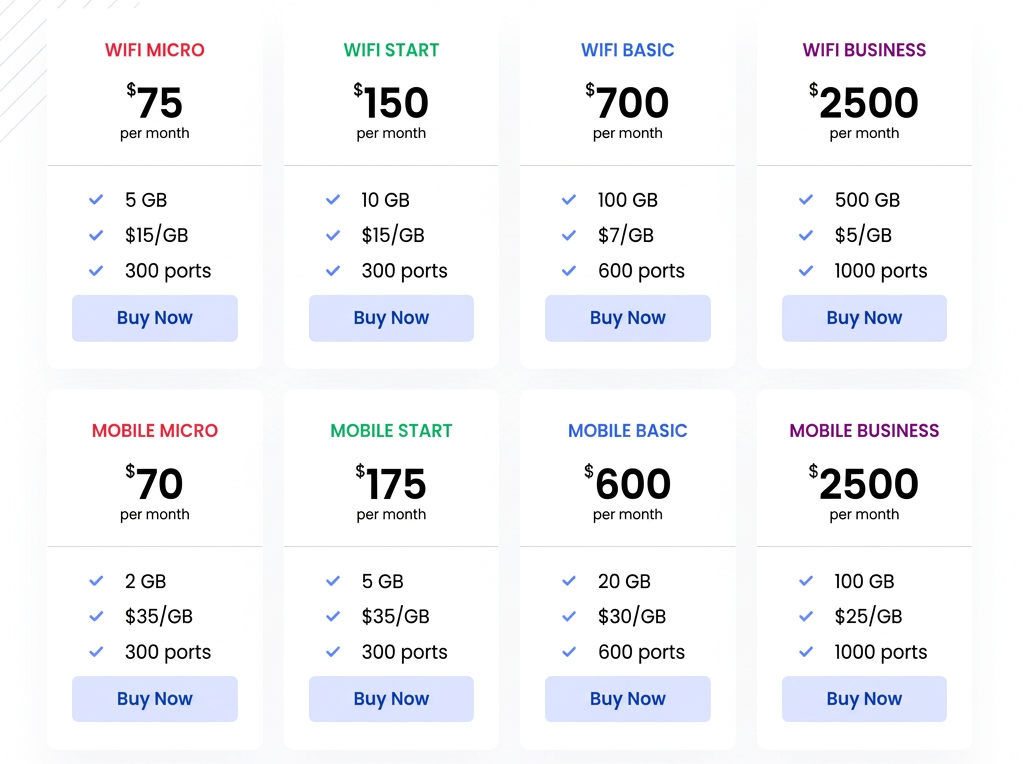
At Soax.com, proxies are available via monthly subscription. Mobile proxies start at $70/month, which gets you 300 ports and 2 GB of traffic. If you need more traffic, you can add extra bandwidth at $35 per additional GB. Higher-volume plans with more traffic and ports are also available.
In our opinion, residential proxies offer better value. The monthly plan costs $75 and includes 300 ports and 5 GB of traffic. Additional traffic is $15 per GB. For a solo media buyer, even the entry-level plan is more than enough — it’s a great fit for Facebook and Google work. Teams can explore higher-tier plans or negotiate custom terms.
How to Buy Proxies?
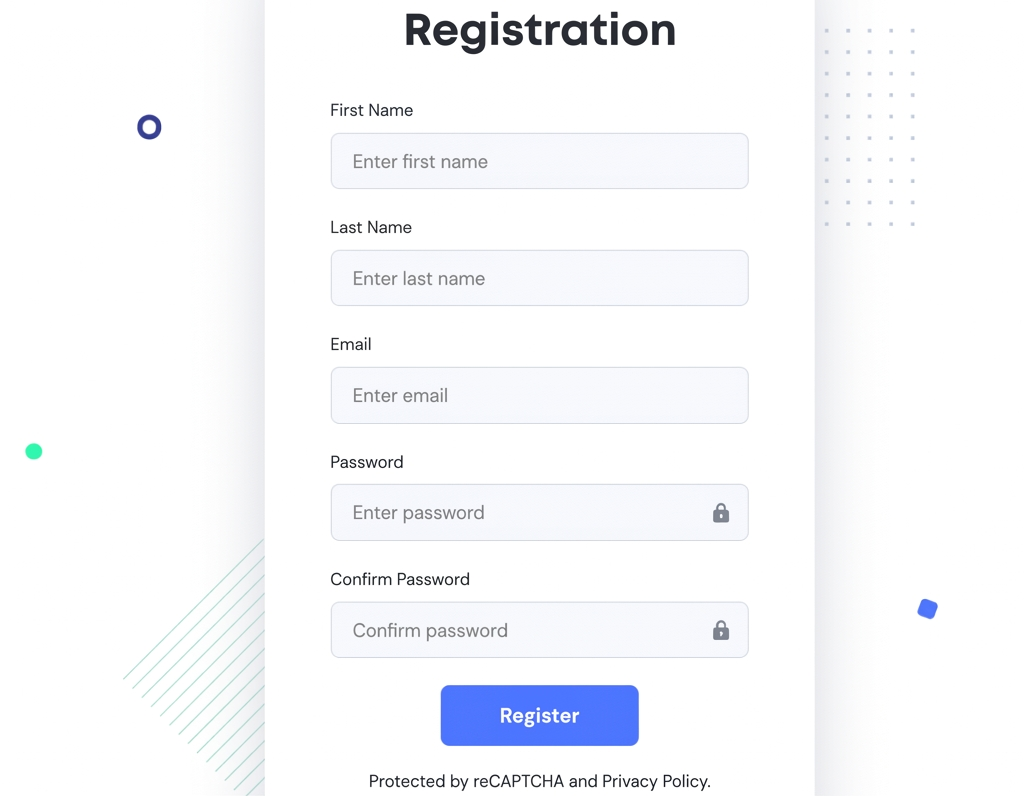
To start using proxies from Soax.com, you’ll need to register. Fill out the registration form at ru.soax.com/registraciya. Then verify your mobile number and email. Next, complete a short welcome survey specifying how you plan to use the proxies and your contact details. That’s it — you can now purchase proxies, choose your plan, top up your balance, and get started.
Final Verdict:
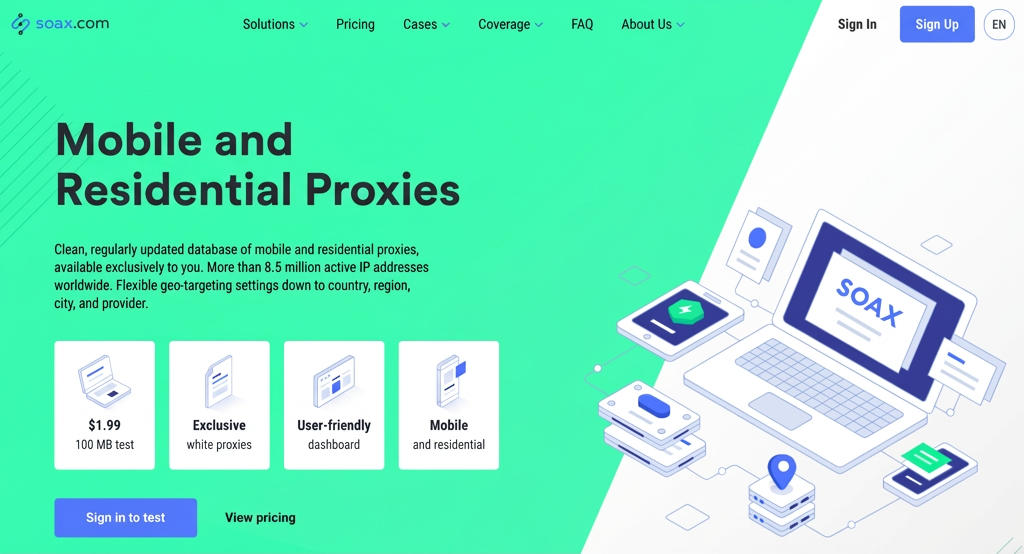
Soax.com is a premium mobile and residential proxy service. What we liked: high proxy quality, a large pool of IPs from countries worldwide, GEO and ISP-level filtering down to the city, a convenient dashboard, automatic IP rotation, top-notch support, and an individualized approach to each client’s needs. We can confidently recommend this service. If you need reliable proxies on a regular basis, a monthly subscription from Soax.com is the way to go. These proxies work great for Facebook and Google Ads — accounts stay live longer and bans, if they happen, are never caused by the proxies. There’s also a $2 package to test the proxies for 3 days (100 MB). We recommend grabbing that and checking out the quality for yourself.






Discussion
0